
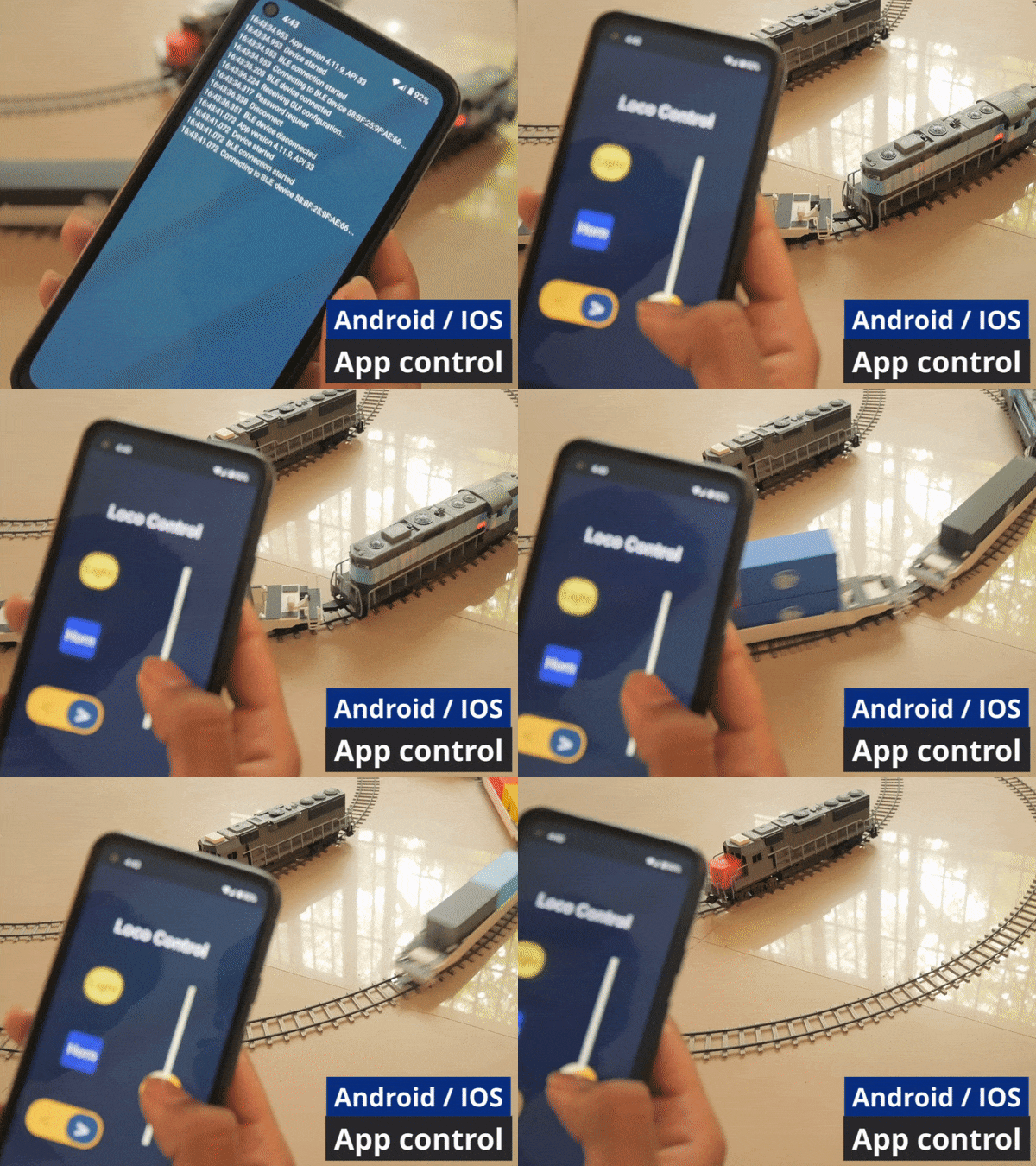
Prerequisites:
- VS Code - DOWNLOAD
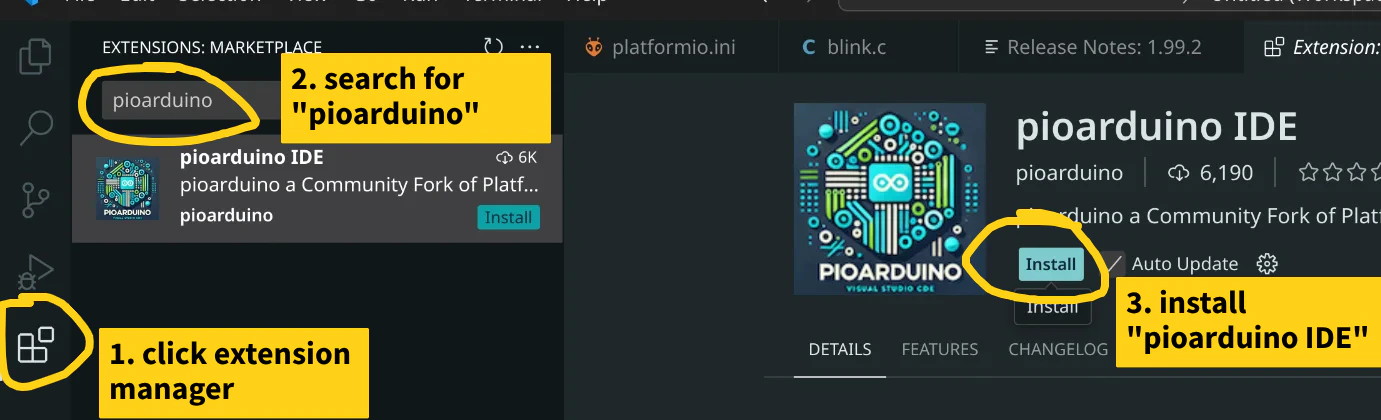
- Pioarduino - install it from VS code extension manager
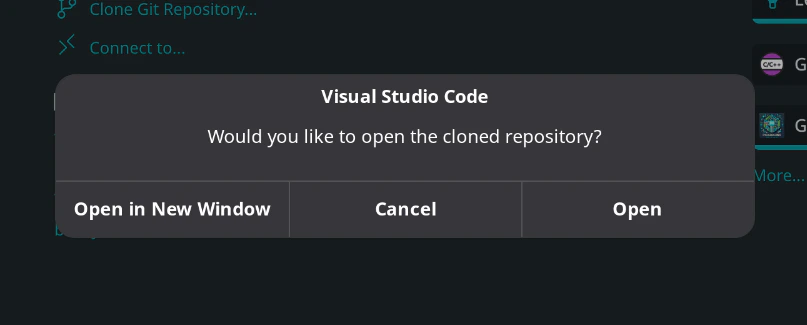
1) Clone repository
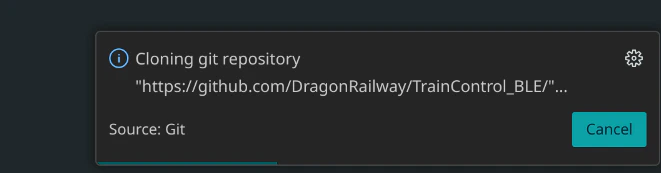
Repo URLs - Locomotive BLE control: https://github.com/DragonRailway/TrainControl_BLE
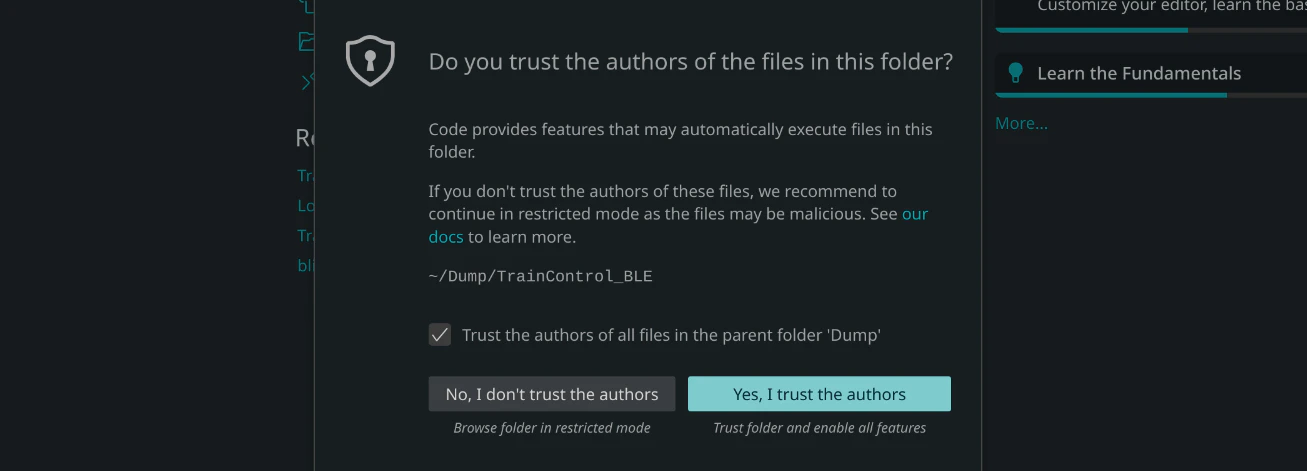
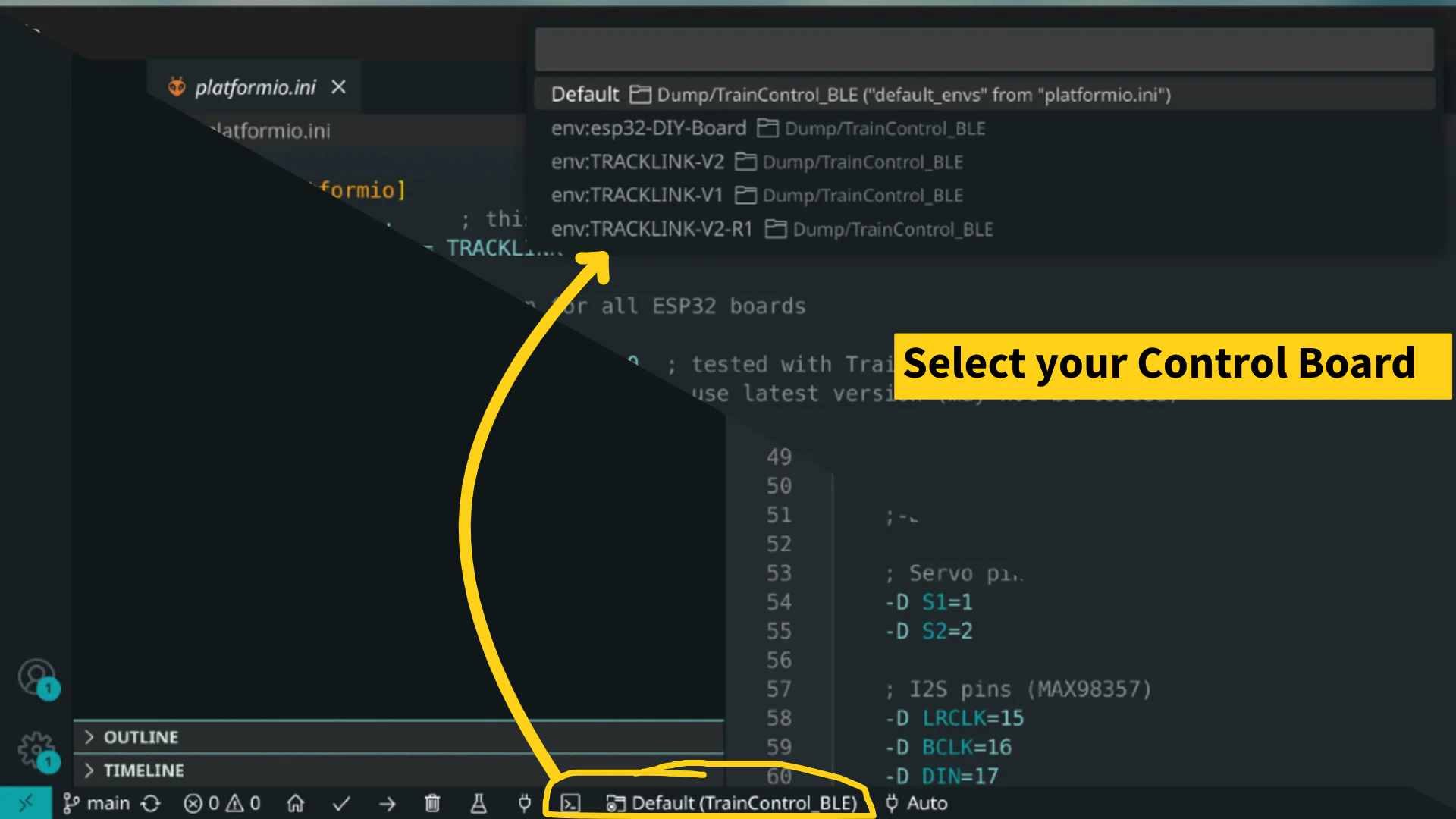
2) Select your Control Board
3) Connect and Upload
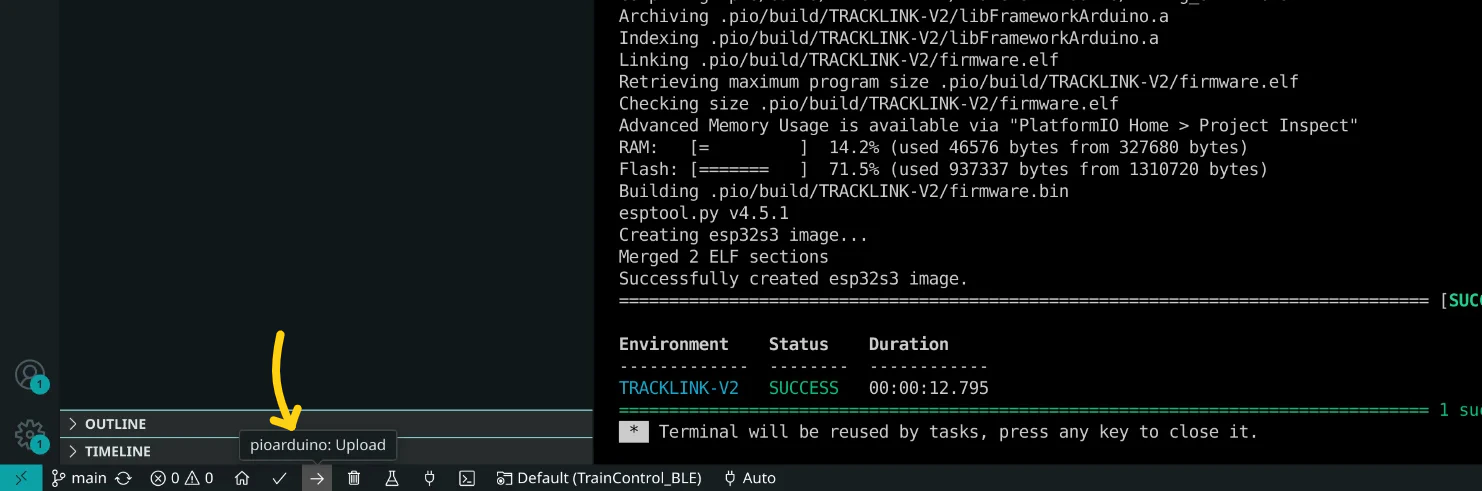
After uploading code, the RemoteXY app will need to authenticate for connection. Use password: 1234